Overview
Simple Restore provides a record history view that lets you trace which values a record had at any point in the past - and, if needed, reset individual fields to that state.
Open Record History
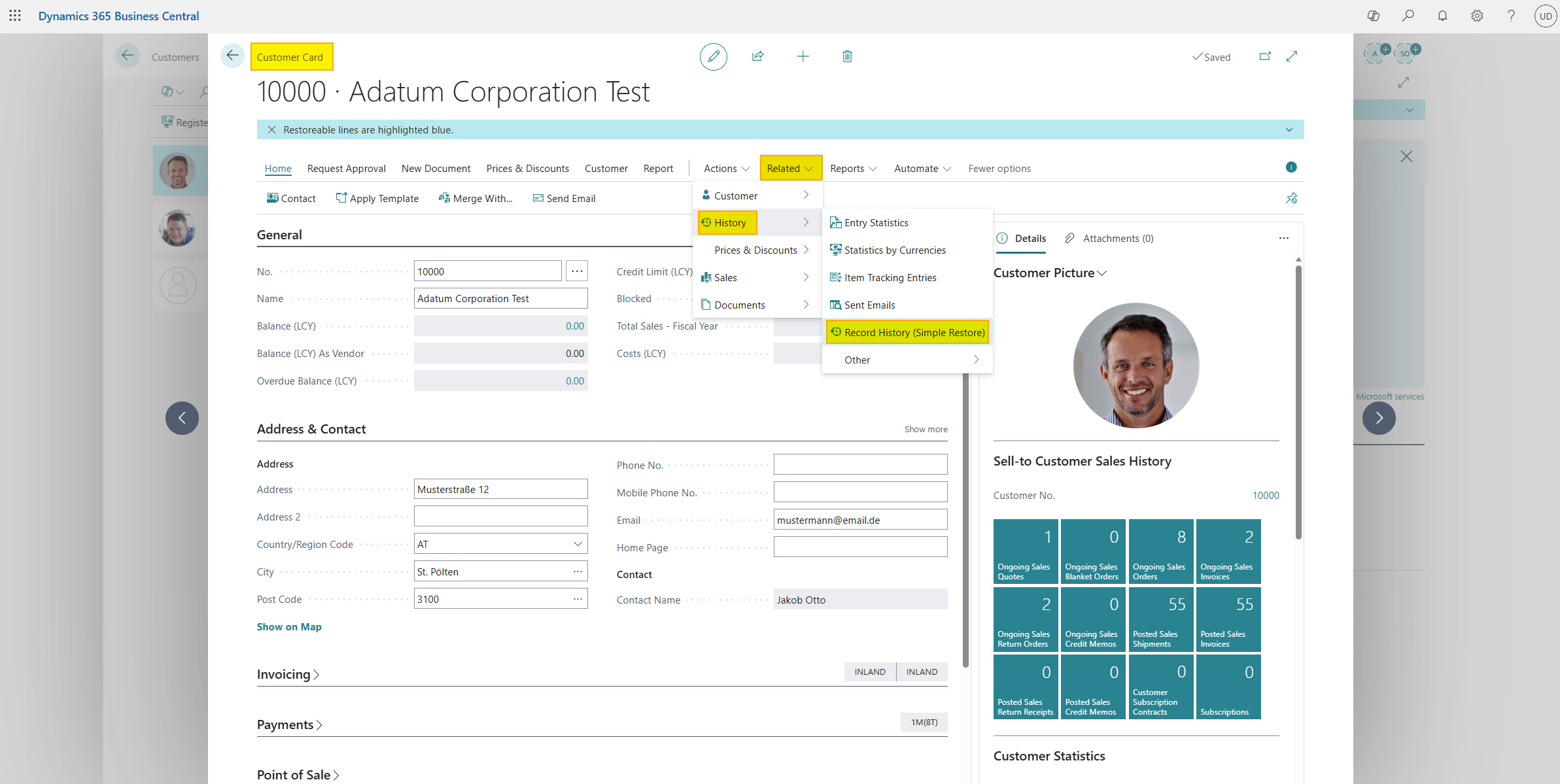
Simple Restore is integrated directly into familiar Business Central pages. You can find the Record History action in the History group on the following pages:
- Customer Card
- Vendor Card
- Item Card
- Sales Order
- Purchase Order
Open one of these records and click Record History to open the Simple Restore Worksheet with prefilters.
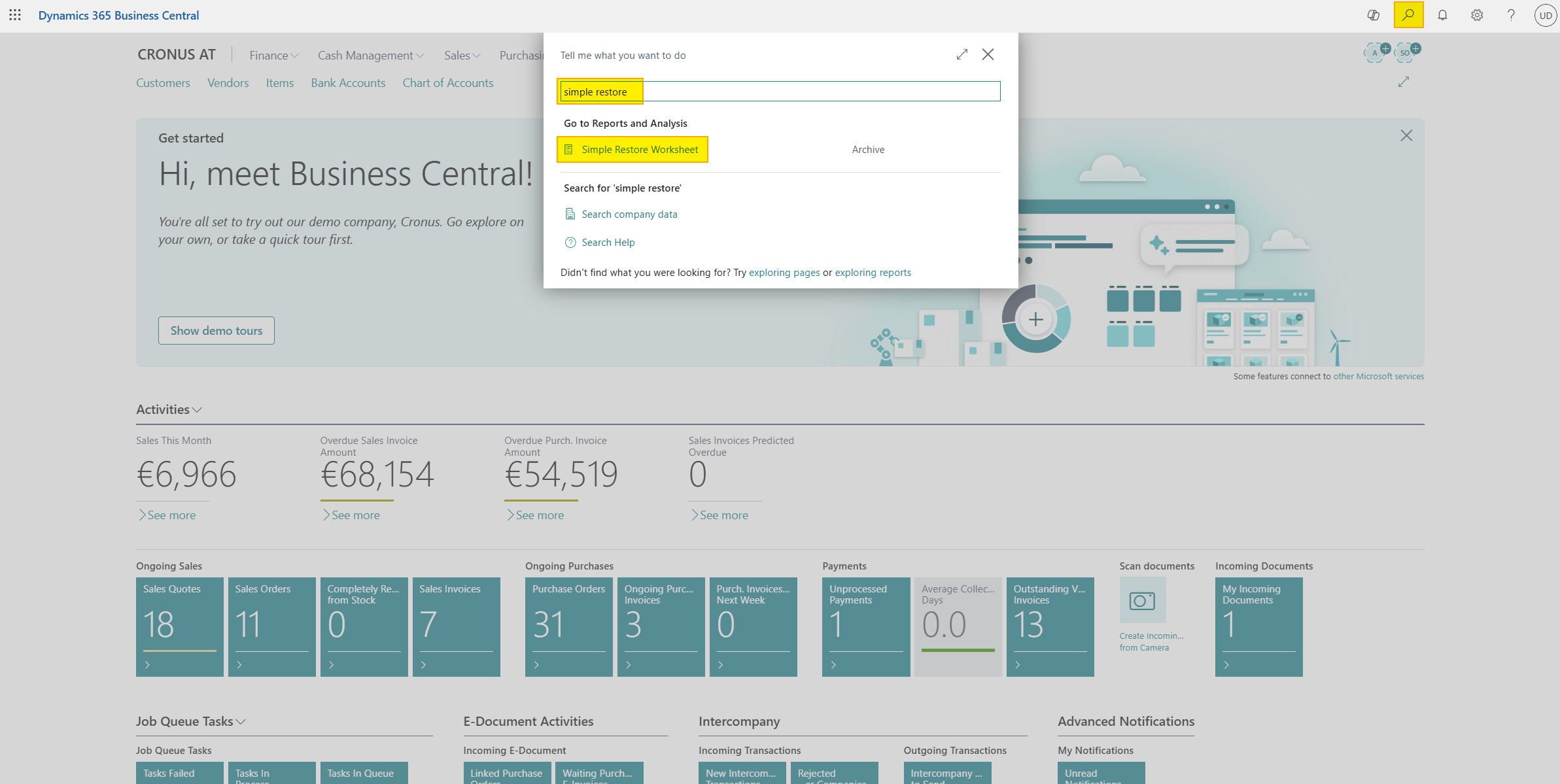
Alternatively, you can also find the Simple Restore Worksheet in the Business Central search and open the page without filters.
Help
- App page on our website: Here you can find prices, more features, and contact information
- Microsoft AppSource: open here
- Contact form: Open contact form